
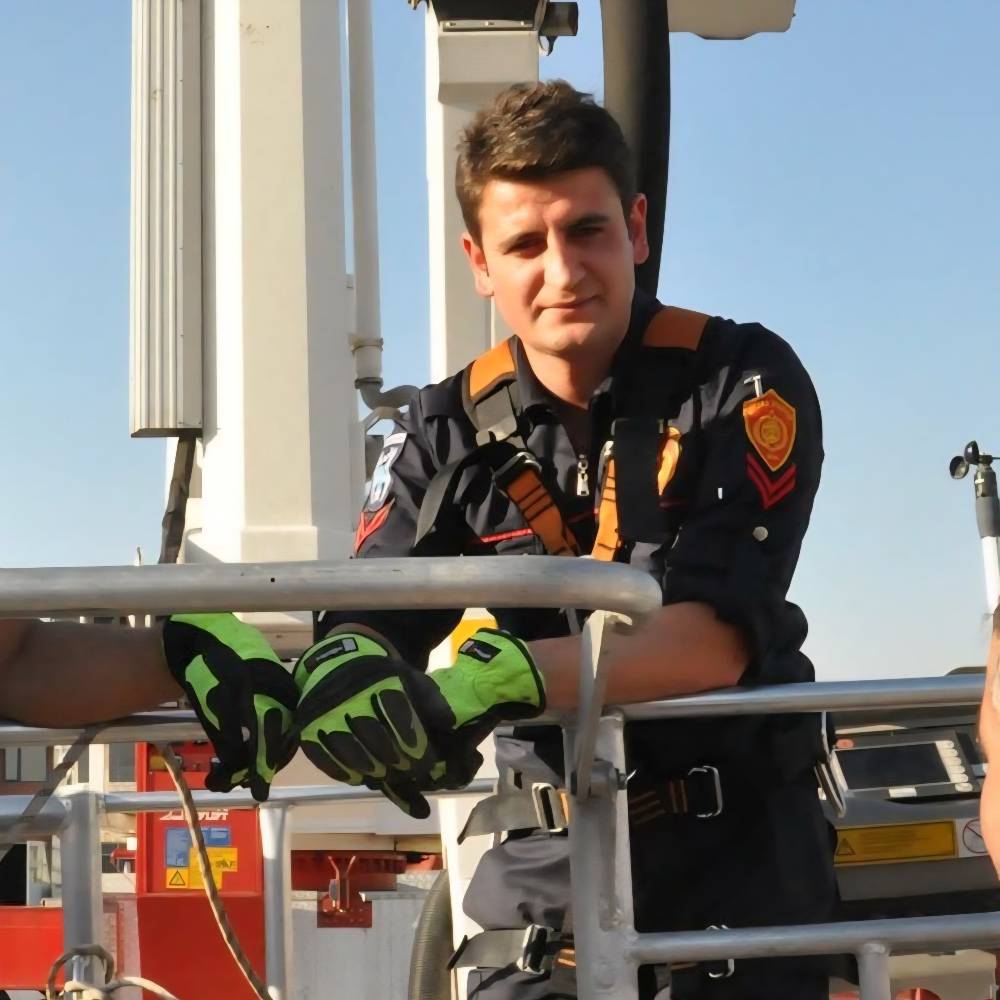
Apparatus & Ladder Tools – Aerial Reach Planning Pillar
Last updated:
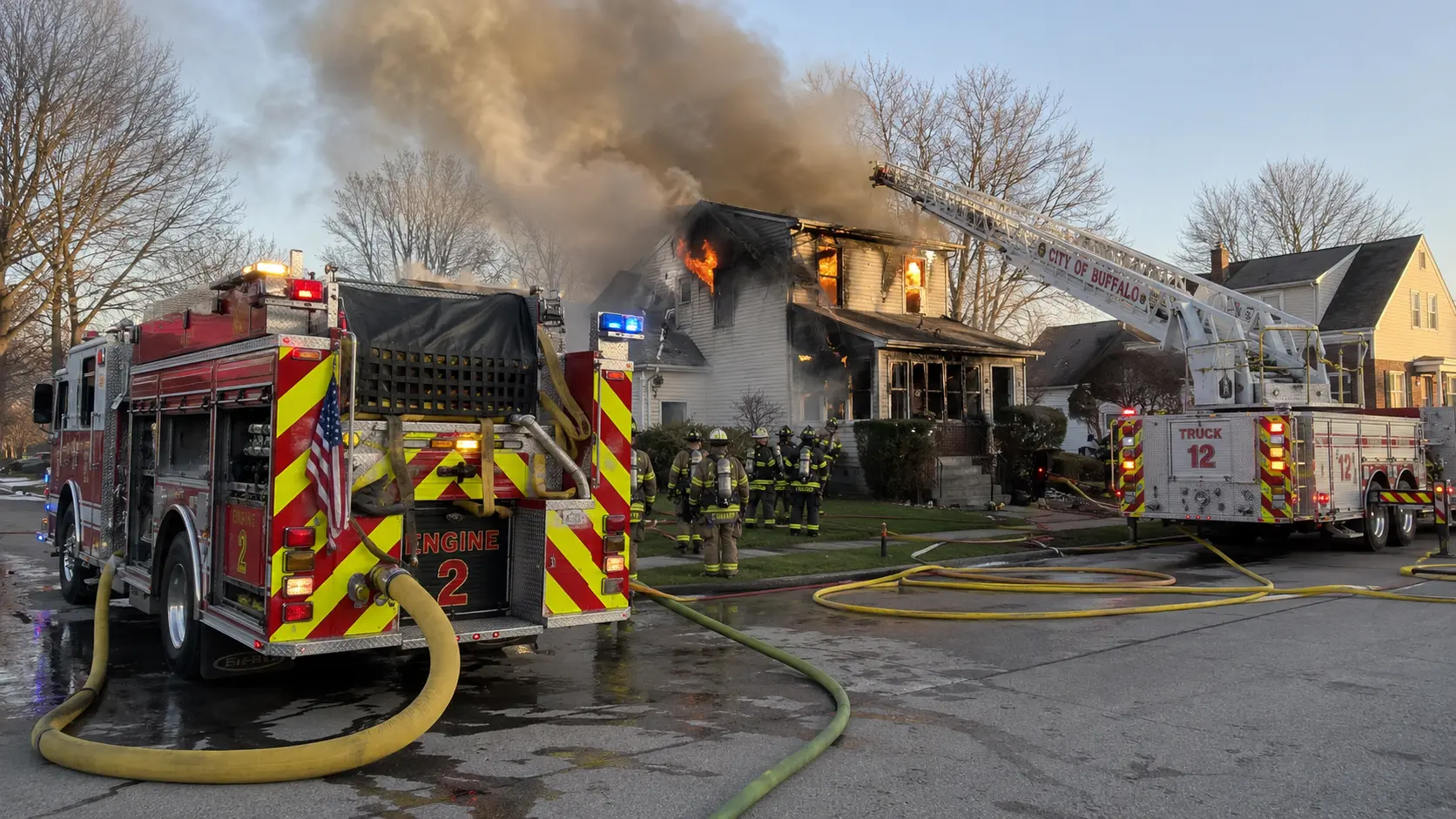
This pillar supports ladder/truck decisions by connecting reach planning to realistic placement. Use the tool for preplans, training, and target selection—then confirm with manufacturer charts and on-scene constraints.
Safety note: Overhead wires, ground conditions, scrub area, and apparatus charts override any calculator output. Always follow SOP/SOG.
Jump to:Tools · Workflow · Target selection · Field checklist
Tools HubAerial Ladder ReachOps Guides
Top Apparatus / Ladder Tools
A Simple Workflow (Preplan → Scene)
- Define the target: roof edge, window, balcony, or rescue access point.
- Pick likely setup zones: consider scrub area and turntable position before “best reach.”
- Run reach as a check: confirm if the target is realistically reachable from your setup zone.
- Validate constraints: wires, slope, soft ground, blocked access, traffic, collapse zone.
- Teach alternatives: second angle / secondary setup point and a ground ladder backup.
Target Selection (What to Aim For)
- Rescue access: simplest stable target (window/balcony) beats “highest point.”
- Roof operations: pick a roof line that stays outside collapse zone as required by local practice.
- Ventilation / exposure: choose targets that reduce repositioning and keep egress clean.
Field Checklist
- Setup zone confirmed (scrub area, outriggers, turntable position).
- Overhead hazards checked (wires/trees/buildings).
- Ground conditions acceptable (slope/soft ground).
- Target chosen (rescue first, then operations).
- Backup plan (secondary setup point + ground ladder option).





Comments 0
No comments yet. Be the first to share your thoughts!
Leave a Comment