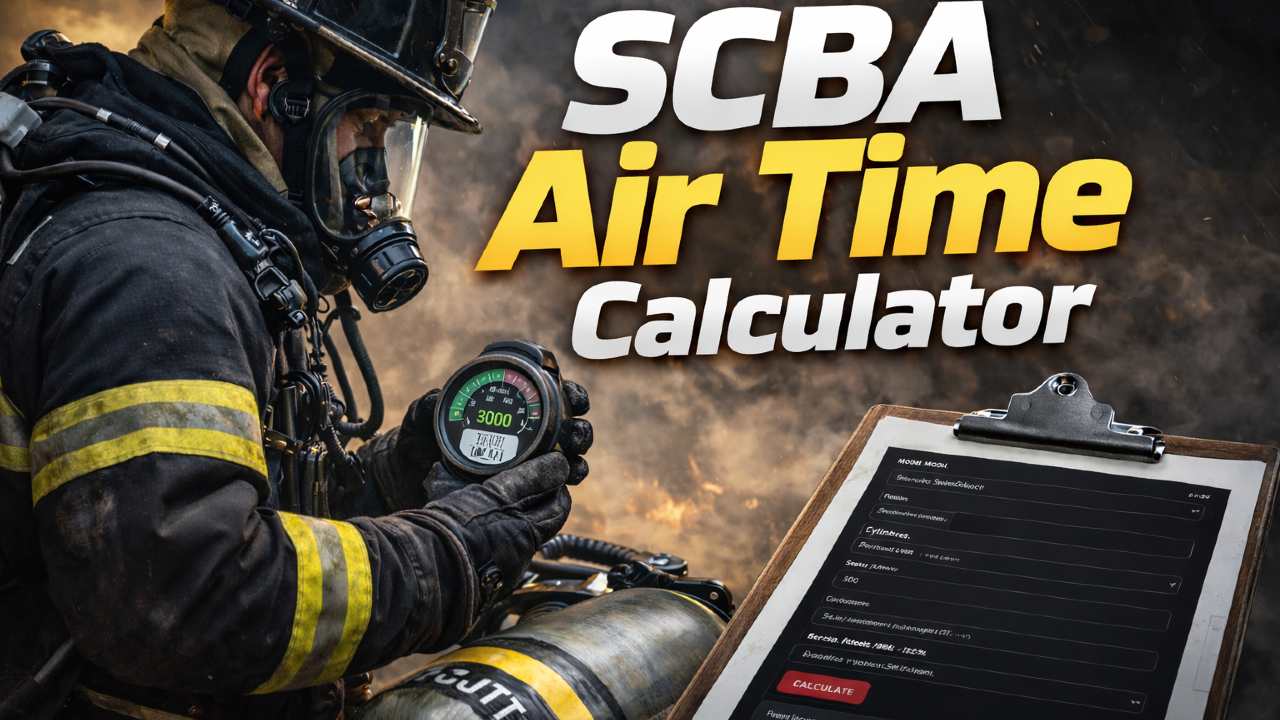
A cylinder marked “45 minutes” does not promise 45 minutes of interior firefighting. Climbing stairs with hose, forcing a door, conducting a search, and helping a partner can drain breathing air at very different rates. The useful question is not simply how much pressure remains, but how a crew can understand its consumption while protecting the air needed to leave.
This guide brings together cylinder capacity, starting pressure, respiratory minute volume (RMV), reserve planning, and practical drills. Use the SCBA Air Time Calculator to compare training assumptions, then verify what those estimates mean against your actual equipment and department procedures.
Why SCBA air management matters before entry
Air supply is finite, and not every minute inside an IDLH area is a working minute. Travel in, finding the assignment, communicating, backing out a hoseline, and returning to a safe atmosphere all take time and air. A task that looks short on a floor plan may become demanding when crews must negotiate stairs, obstructions, heat, or poor visibility.
Air management should therefore be a crew discussion, not just a personal glance at a pressure gauge. Discuss the entry assignment, likely travel distance, expected exertion, team members’ starting pressures, exit benchmarks under your SOP/SOG, and what happens if progress stops. A firefighter with a faster consumption rate can determine when the whole crew needs to withdraw.
The cylinder’s nominal duration is a laboratory rating, not a fireground stopwatch. Researchers measuring firefighters during high-rise simulations found that physical work produced substantial air demand; their findings reinforce why actual conditions must govern decisions rather than the time printed on a cylinder label.
The four inputs that make an estimate meaningful
The original two guides emphasized slightly different inputs. For a useful comparison, keep cylinder capacity, actual starting pressure, planned reserve, and RMV together. Leaving any one of these out makes a minute estimate easy to misread.
| Input | What to check | Why it matters |
|---|---|---|
| Cylinder capacity | Water volume in liters, or a tool-supported manufacturer-rated capacity | A larger cylinder can hold more air, but models and units are not interchangeable. |
| Starting pressure | The actual gauge reading, not only the nominal full pressure | A partly filled cylinder provides less air than one at its rated pressure. |
| Reserve / exit benchmark | The relevant manufacturer and departmental rules | Air needed for withdrawal and an unexpected delay must not be treated as normal working air. |
| RMV | Estimated breathing-air consumption in liters per minute for the task | Workload, heat, stress, and individual differences can change actual consumption quickly. |
Check the units before comparing cylinders. A calculation using water volume in liters and pressure in bar is not interchangeable with a U.S. cylinder size stated in cubic feet and pressure stated in psi. Select the correct configuration in the calculator or follow the equipment documentation.
Worked example: how workload changes estimated minutes
For a conventional compressed-air cylinder represented by a water volume in liters and pressures in bar, a simplified training approximation is:
Consider a hypothetical 6.8-liter cylinder with 290 bar starting pressure and a 100-bar planning reserve. The pressure available in this simplified calculation is 190 bar, equivalent to approximately 1,292 liters of free air before the selected reserve.
| Illustrative breathing rate | Calculation | Estimated time above the selected reserve |
|---|---|---|
| 40 L/min | 1,292 ÷ 40 | 32.3 minutes |
| 60 L/min | 1,292 ÷ 60 | 21.5 minutes |
| 90 L/min | 1,292 ÷ 90 | 14.4 minutes |
These are mathematical comparisons, not safe interior work times or recommended exit points. They do not account for all real-world effects of compressed gas, temperature, equipment performance, leakage, variable breathing, travel time, or unexpected events. Your operational exit decision may need to occur well before reaching the selected pressure in this example. Do not adopt 100 bar as a department-wide reserve simply because it appears in the illustration.
What matters is the sensitivity: the same cylinder and starting pressure yield very different estimates when RMV changes. Moving from a planned 40 L/min to an actual 90 L/min would cut this example’s estimate by more than half.
Choosing a realistic RMV for training
Respiratory minute volume describes how much breathing air a person uses per minute. There is no single RMV that safely represents every firefighter, task, or incident. The sample ranges below are illustrative inputs for comparing scenarios, not standard operating limits or guaranteed firefighter consumption rates.
| Training scenario | Illustrative RMV assumption | What could change it |
|---|---|---|
| Low exertion | 25–35 L/min | Steady movement, pauses, and a relatively light equipment task |
| Moderate exertion | 35–50 L/min | Stairs, equipment handling, repeated movement |
| Heavy exertion | 50–70+ L/min | Hose advance, rescue effort, heat, long carries, and stress |
Do not force field behavior to match the assumption. During a controlled drill, record starting pressure, elapsed time, pressure used, and the activity completed. Compare how much air different participants use and how quickly consumption changes when the pace increases. Repeat the exercise rather than relying on one unusually easy or difficult run. Do not intentionally restrict breathing to improve a calculation.
Reserve pressure, low-air alarms, and exit decisions
Reserve air is for protection when conditions depart from the plan. A blocked exit, disorientation, a partner in difficulty, a sudden increase in workload, or damaged equipment can all add consumption while reducing available options. Lowering the reserve value in a calculator produces a larger number on the screen; it does not produce a safer operation.
The appropriate alarm behavior and pressure thresholds depend on the certified SCBA configuration and applicable procedures. Train members to recognize their unit’s low-air warning, heads-up display, pressure gauge, and emergency procedures. Set operational exit benchmarks under department policy, considering travel distance, workload, the most air-limited crew member, and contingencies.
Four questions to ask before committing to a long assignment
- What is the pressure of each crew member’s cylinder at entry?
- Which member is likely to consume air fastest during this task?
- What route and conditions could slow the return trip?
- What specific condition or policy benchmark triggers withdrawal for the entire crew?
The SCBA calculator can compare assumptions during training. It cannot monitor your team’s actual breathing, determine a safe route, or replace an incident commander’s risk assessment.
A 10-minute SCBA air-management drill
Both original articles included a short exercise. Here is a combined version that captures the useful part of each: connect calculation with an observed drill, then discuss exit communication.
- Choose one realistic evolution. Use a supervised, safe training environment: stairs with equipment, a hose movement, or a search pattern with a clear turnaround point.
- Write down the assumptions. Record cylinder configuration, actual starting pressure, example RMV, and the department’s exit/reserve benchmarks. Confirm the equipment is ready for use.
- Compare the estimates. Run one moderate-work and one heavy-work assumption. Ask how much the planned air budget changes.
- Perform the drill. Monitor gauges, crew status, communications, and timing according to the training officer’s plan. Do not exhaust a cylinder to test the calculation.
- Debrief and document. Compare consumption with the assumptions and note the effect of pace, obstacles, equipment handling, and stress. Revisit the plan for the next drill.
For a coordinated training block, use the Mayday LUNAR Generator to rehearse concise emergency information. If the exercise also covers pumping and water supply, the Friction Loss Calculator and Fire Flow Calculator can support separate discussions—neither changes the SCBA exit rules.
SCBA calculator pages by equipment brand
The same air-management principles apply across manufacturers, but cylinder configurations, display features, warning indicators, approvals, and operating instructions are equipment-specific. Use the links to select the applicable tool context; confirm model and cylinder details from your department’s actual equipment rather than assuming all packs within one brand are identical.
For a general comparison, return to the SCBA Air Time Calculator hub.
References and further reading
- OSHA — 29 CFR 1910.134, Respiratory Protection. Respirator selection, use, training, inspection, and IDLH requirements.
- NIOSH — Safe Use of Self-Contained Breathing Apparatus (SCBA) for Firefighters (2026). Fitness, fit testing, and safe use.
- NIOSH FFFIPP Report F2016-07. Operational lessons on managing air and leaving hazardous atmospheres with emergency reserve.
- Williams-Bell et al., Air Management and Physiological Responses During Simulated Firefighting Tasks in a High-Rise Structure. Research on actual air demand during strenuous tasks.
Editorial note: The numerical calculation and RMV ranges above are illustrative training examples. They do not establish a universal safe work period, pressure reserve, or exit threshold. Equipment-specific instructions and your department’s procedures take precedence.

Comments 0
No comments yet. Be the first to share your thoughts!
Leave a Comment