
Last updated:
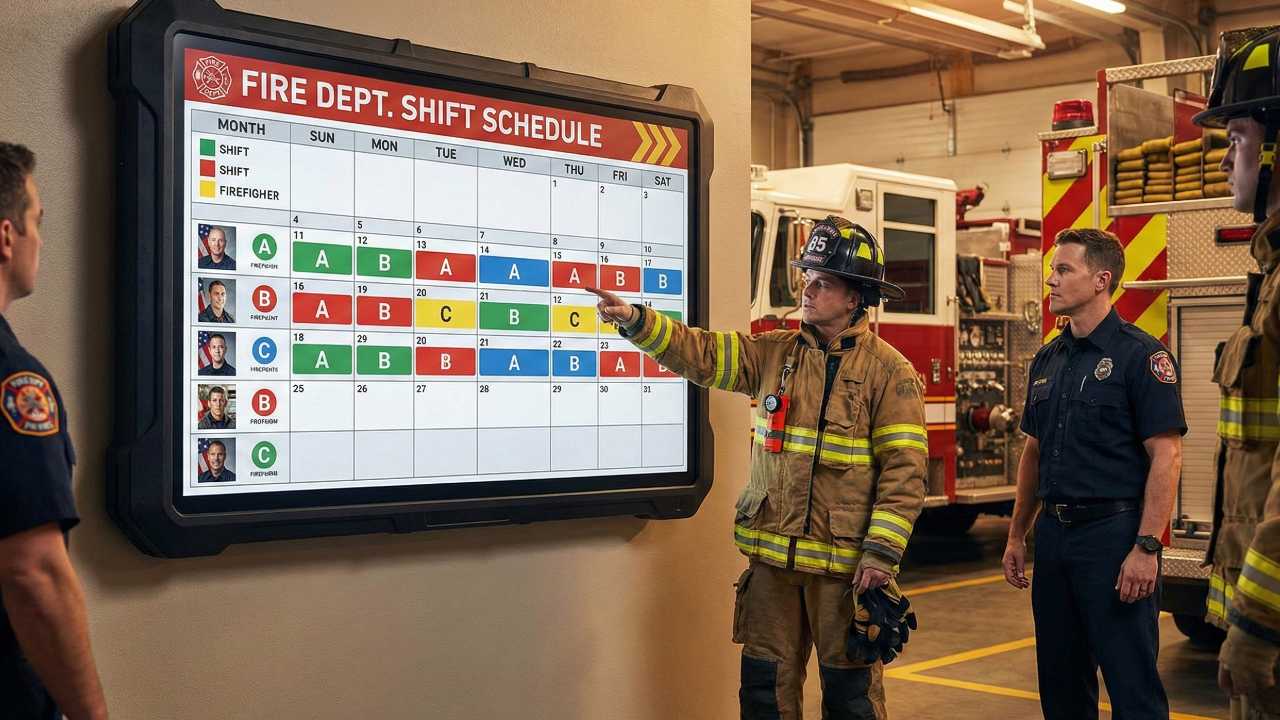
A firefighter shift calendar looks simple until one date is wrong. Then every birthday, court date, childcare plan, trade, overtime callback, and vacation request starts sliding into the wrong box. That is why the setup matters more than the color scheme. The calendar is only useful if the rotation, start date, and duty group are right from the beginning.
The Shift Calendar tool is built for quick long-range planning. Use it to check your rotation, share a clean schedule with family, and spot conflicts before they become texts at midnight. It should not replace your official roster, but it can make the roster easier to live with.
Open Shift CalendarShift Calendar
Important: always confirm final duty days, trades, overtime, and vacation approvals with your department schedule or officer. Personal calendars are planning tools, not official orders.
Start With the Rotation, Not the Date
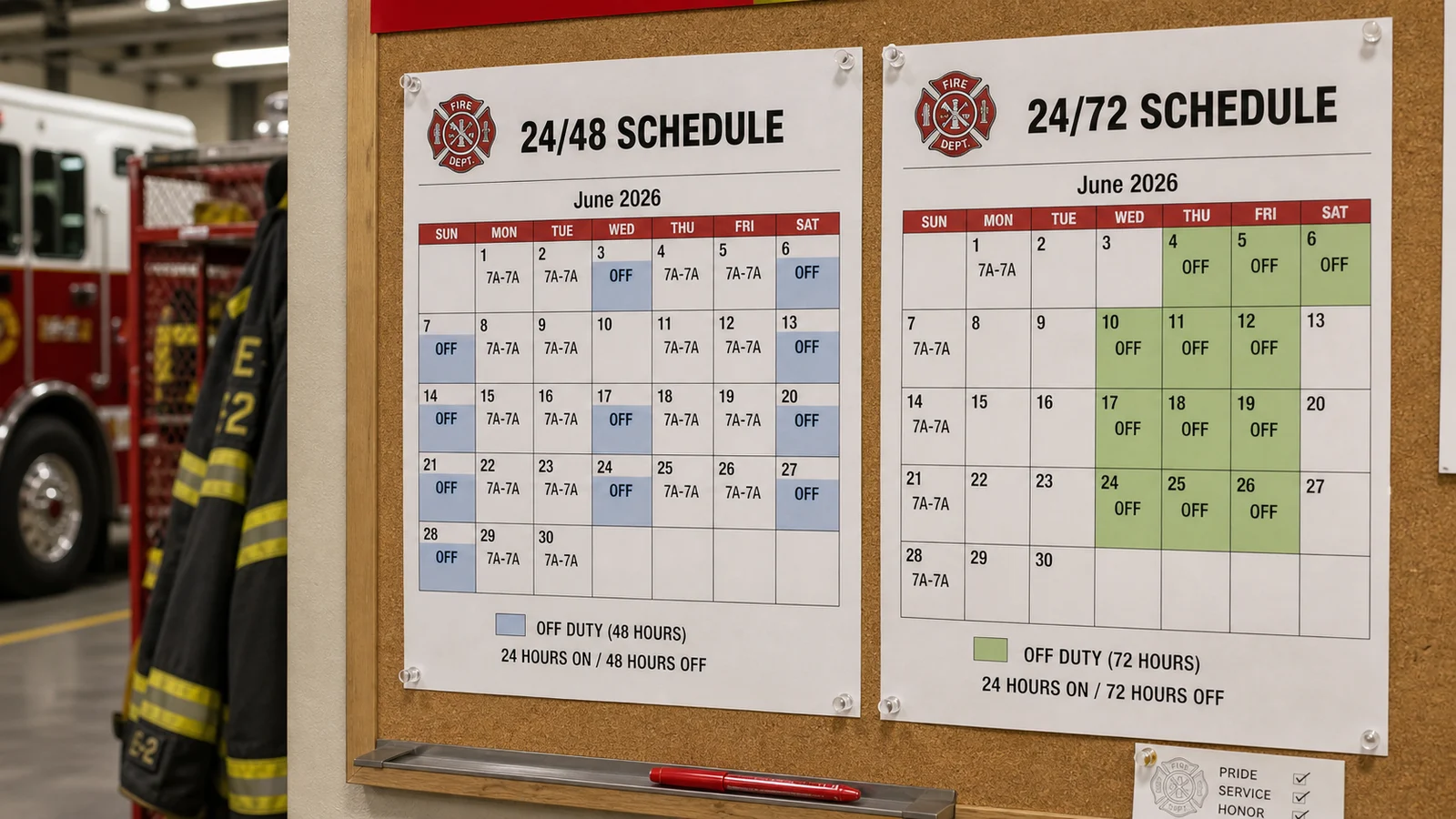
Most schedule mistakes begin with the wrong assumption about the rotation. A 24/48, 24/72, 48/96, Kelly schedule, Panama-style schedule, or local modified rotation can look familiar at a glance, but one extra day off or one department-specific cycle changes the entire calendar. Before you enter anything, identify the exact rotation your department uses.
If you are new, ask someone on your shift to confirm the pattern. Do not rely on memory from academy, social media examples, or another department's calendar. Fire service schedules are local. Two departments can both say “24/48” and still handle Kelly days, debit days, holidays, and swaps differently.
Pick a Known Anchor Date
The most reliable setup method is to start from a date you know for certain. Choose a day where you were definitely assigned to your shift, then build forward from there. If the calendar is off by one day at the anchor, it will be off for months.
Good anchor dates include your first assigned shift, a recently worked duty day, a known holiday shift, or the start of a published department cycle. Bad anchor dates include “I think I worked that Monday” or a screenshot from someone else's calendar. If you are setting this up for a family member, have them confirm the anchor before you share the schedule.
Use the Calendar for Real-Life Planning
A shift calendar is not just for knowing when to report to the station. It is for protecting the rest of your life from schedule confusion. Firefighters use long-range calendars for childcare, school events, medical appointments, second jobs, side work, training days, family trips, court appearances, and holiday planning. The earlier those conflicts show up, the easier they are to handle.
| Planning need | How to use the calendar | Common mistake |
|---|---|---|
| Family schedule | Share the next 60 to 90 days with your partner or household | Only talking about this week, then missing next month's conflict |
| Childcare | Mark duty days, mandatory training, and likely overtime windows | Forgetting that holdover can affect the next morning |
| Trades and swaps | Log the original duty day and the swapped day | Deleting the original and losing the paper trail |
| Vacation planning | Check how leave days interact with the rotation before requesting | Requesting leave before seeing the full cycle |
| Training and certs | Block academy, EMS, hazmat, or driver/operator training days | Treating training days like normal off days |
Sharing Without Creating Confusion
Sharing a firefighter schedule is helpful only if the other person knows what they are looking at. A clean shared view should answer three questions quickly: are you on duty, are you off, and is the day tentative because of a trade, overtime, training, or vacation request?
Use simple labels. “On duty,” “Off,” “Trade pending,” “Vacation requested,” “OT possible,” and “Training” are better than a dozen colors that no one remembers. If you share with family, keep the language human. Nobody at home wants to decode station shorthand when they are trying to plan dinner, school pickup, or a weekend trip.
Track Trades and Swaps Carefully
Trades are where personal calendars get messy. A trade changes more than one day. It changes who owes whom, whether the trade is approved, and sometimes whether a future day is no longer free. Keep both sides visible until the trade is completed. If your department uses an official trade form or scheduling system, match your personal calendar to that record.
A simple method is to mark the original duty day, the day you are covering, and the day being paid back. Add a note with the member's name and whether it is pending or approved. That may feel excessive for one trade. It feels very smart three months later when nobody remembers the conversation.
Exporting and Syncing
Exporting is useful when you want the schedule on a phone, shared family calendar, or desktop calendar. After export, check the first few duty days and a date several months out. If both match the official schedule, you are probably set up correctly. If one date is off, stop and fix the rotation or anchor date before trusting the calendar.
Be careful with duplicate calendars. If you import the same schedule twice, you may end up with double events and conflicting reminders. Name the calendar clearly, such as “A Shift 2026” or “Station Schedule,” and keep swaps or personal notes in one place.
Common Setup Mistakes
- Wrong anchor date: the whole calendar shifts even though the rotation looks right.
- Wrong duty group: A, B, C, or D shift labels do not match your actual assignment.
- Ignoring Kelly days: the base rotation is correct, but scheduled reduction days are missing.
- Deleting trade history: you lose track of who is covering what.
- Sharing too late: family conflicts show up after appointments or travel are already booked.
- Trusting personal notes over the official roster: personal calendars should support the official schedule, not override it.
A Simple Monthly Workflow
Once a month, compare your personal calendar against the official roster. Check duty days, training, swaps, vacation, holidays, and known overtime. Then share the updated view with anyone who depends on your schedule. This takes a few minutes and prevents the kind of slow calendar drift that causes real stress later.
For firefighters, schedule clarity is not a small convenience. It affects sleep, recovery, childcare, relationships, second jobs, and whether you show up to the right place at the right time. A shift calendar cannot fix a rough schedule, but it can make the schedule easier to manage.





Comments 0
No comments yet. Be the first to share your thoughts!
Leave a Comment