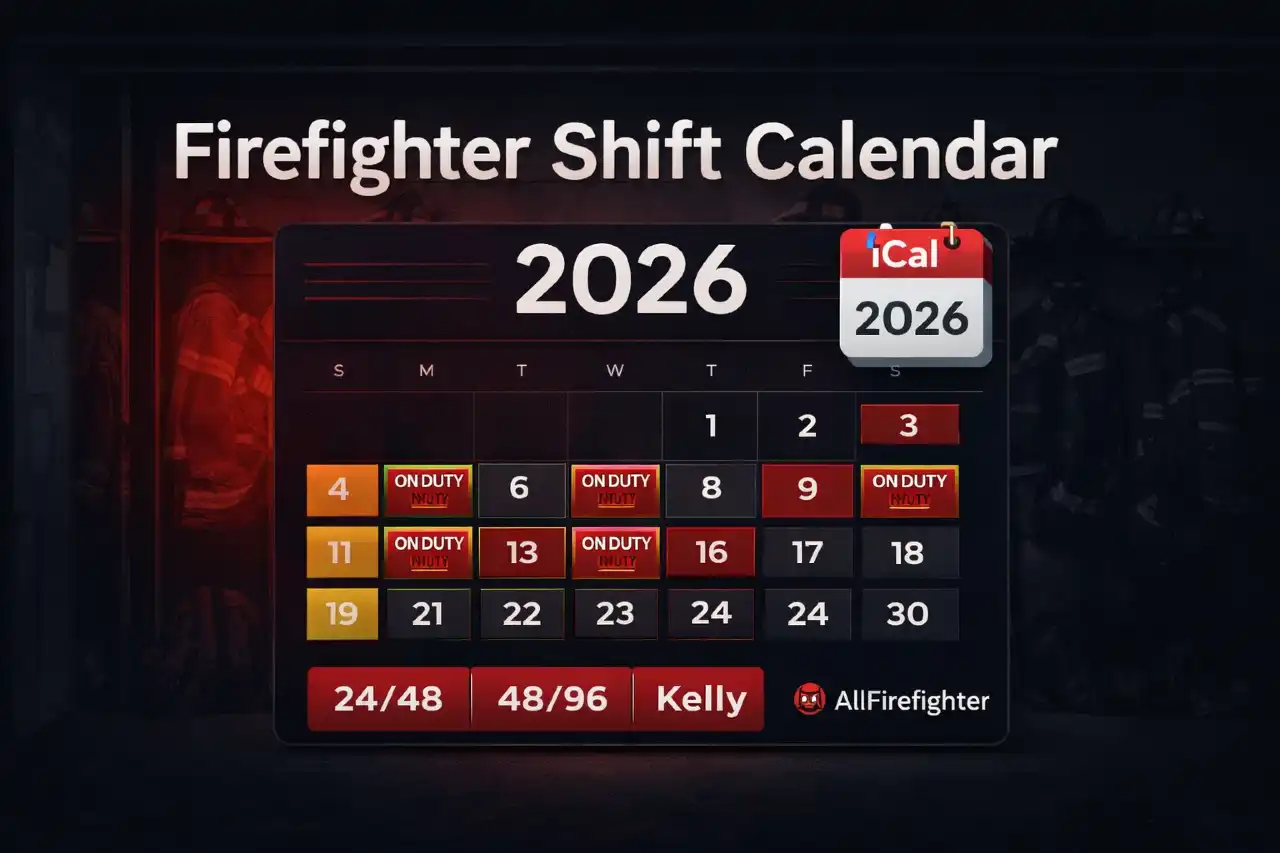

Firefighter Shift Calendar 2026: Month View + iCal (.ics) Export
Updated for 2026 rotations (24/48, 48/96, Kelly) + custom patterns. Use this as a planning tool and always confirm against your department’s official schedule.
Why a month-view shift calendar matters
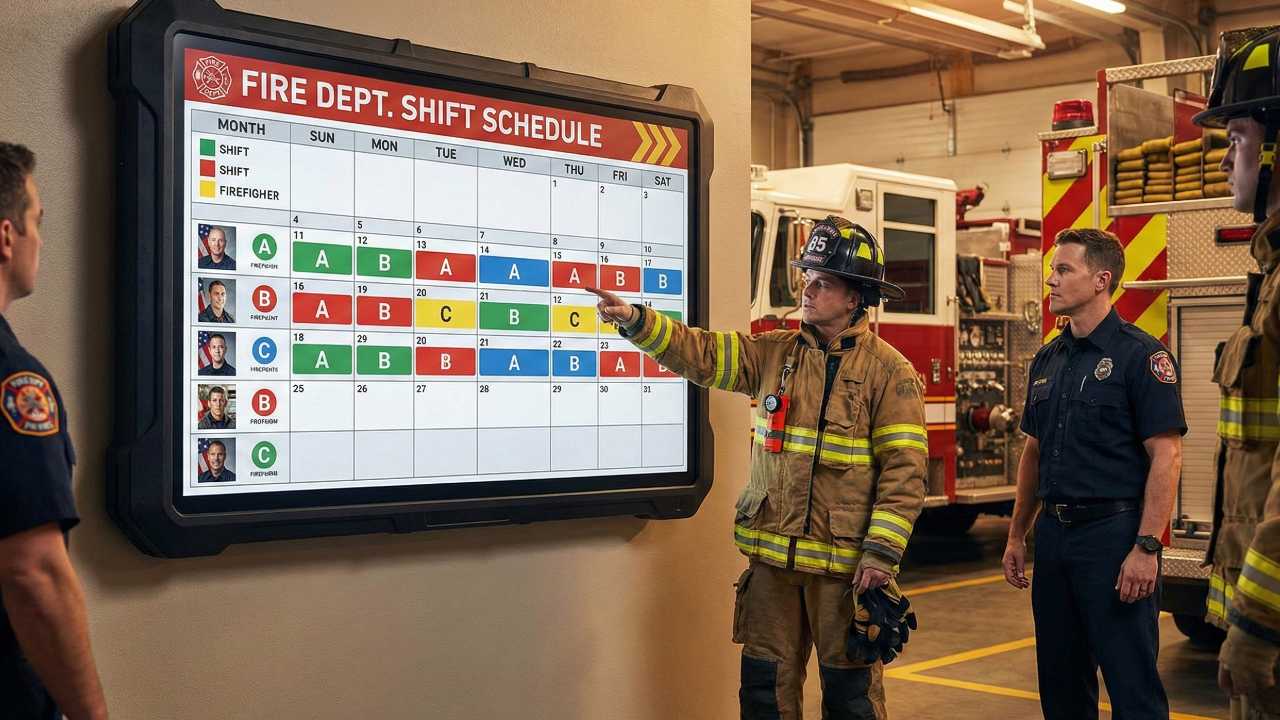
Most firefighter schedule calculators output a list of ON/OFF days. That’s fine for quick checks, but it’s not ideal for real-life planning (family commitments, training, travel, overtime blocks). A month-view calendar makes patterns and duty blocks obvious—especially for 48/96 or Kelly variations.
Our goal is simple: generate a clean calendar grid and give you an iCal (.ics) file so you can import your schedule into Google Calendar or Apple Calendar in minutes.
Common firefighter rotations (quick reference)
Patterns below assume you start from your next ON duty day.
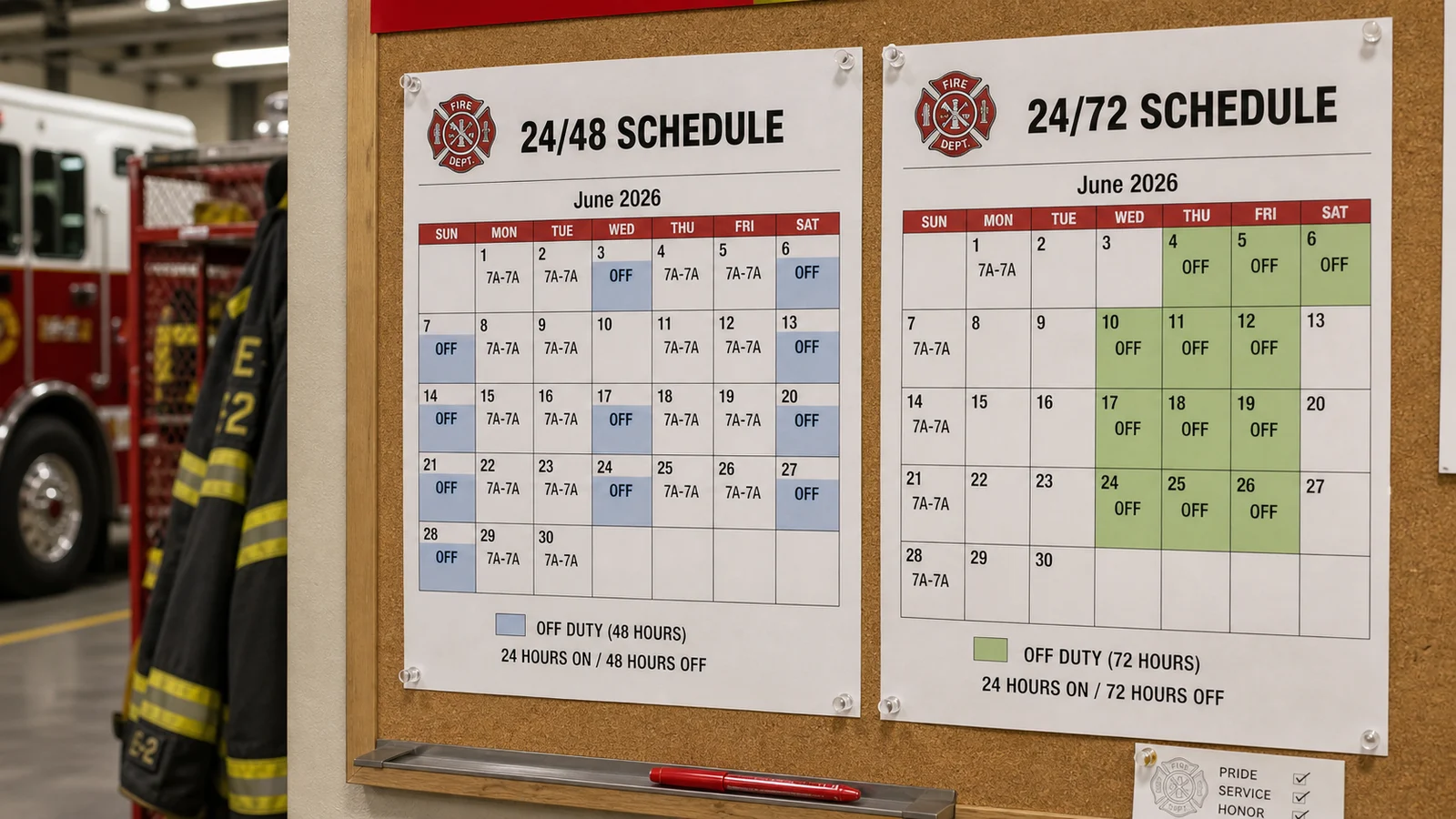
- 24/48: one 24-hour shift then 48 hours off. Pattern example:
1,2 - 48/96: two 24-hour shifts back-to-back, then 96 hours off. Pattern example:
2,4 - Kelly-style: varies widely by department; a common cycle looks like:
1,2,1,2,1,4
How to generate your 2026 shift calendar
Step 1: Open Shift Calendar Builder and choose your rotation (24/48, 48/96, Kelly, or Custom).
Step 2: Set your start date to your next ON duty day.
Step 3: Generate the calendar and download the iCal (.ics) file (or print a clean PDF).
How to import an iCal (.ics) file
Import into Google Calendar (web)
- Download the .ics file from the tool.
- Open Google Calendar on desktop.
- Go to Settings → Import & export.
- Select the .ics file and import it into the calendar you want.
Import into Apple Calendar (Mac / iPhone)
- Download the .ics file.
- On Mac: Apple Calendar → File → Import.
- On iPhone: open the .ics file from Files/Mail and choose to add it to Calendar (options vary by iOS version).
What this calendar does (and doesn’t) include
- Includes: base rotation pattern, duty blocks, and predictable OFF time.
- Does not include: trades, callback overtime, special assignments, vacation bids, staffing changes.
FAQ
What is an iCal (.ics) file?
An iCal file (ICS) is a standard calendar format that can be imported into Google Calendar, Apple Calendar, Outlook, and many other calendar apps.
Is this accurate for every department?
It’s accurate for the rotation pattern you enter. Departments vary in Kelly implementations and trade/OT rules, so always confirm against your official schedule.
How do I build a custom schedule?
Use Custom Pattern and enter ON/OFF days as comma-separated numbers (example: 1,2 or 1,2,1,2,1,4). Start date should be your next ON duty day.
Does it account for shift swaps or overtime?
No—this creates the base rotation. You can manually edit events after importing the calendar if you swap shifts or work OT.
Should I use the month-view calendar or the shift-schedule list tool?
Use the month-view calendar for planning and sharing. Use the Shift Calendar when you just need a quick ON/OFF list for the next 30–180 days.







Comments 0
No comments yet. Be the first to share your thoughts!
Leave a Comment